 Gaming GPUs & Graphics Cards
 Gaming PC Builds
 Processors & CPUs
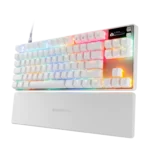 Gaming Keyboards
 Gaming PC Cases
 DDR5 RAM & Memory
 Power Supplies (PSUs)
Gaming Setup Ideas 2026

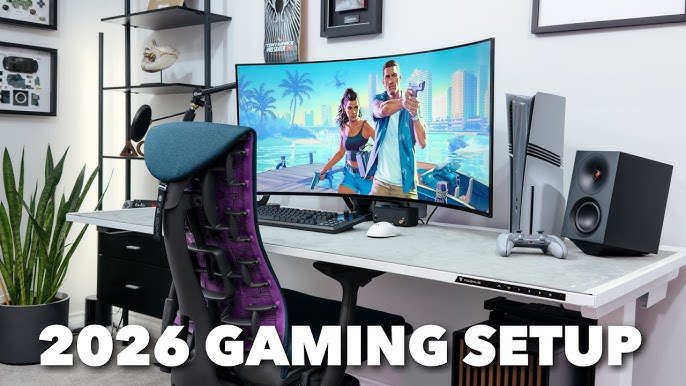
Gaming Setup Ideas 2026 – Build the Ultimate RGB Setup
Creating the perfect gaming setup in 2026 requires planning. It is not just about performance. Instead, it is about comfort, style, and immersion.
A well-designed gaming setup improves focus. Moreover, it enhances your overall experience. Whether you play competitively or casually, the right setup makes a big difference.
Let’s explore how to build the ultimate gaming setup step by step.
🎮 Step 1: Choose a Powerful Gaming PC
First, select hardware that matches your gaming goals. Performance should always come first.
For example, a system with:
AMD Ryzen 7 7700X
NVIDIA GeForce RTX 4080 Super
This combination delivers smooth 1440p and 4K gaming. Additionally, it supports streaming and multitasking.
However, if you play mainly esports titles, you may not need such high-end components. In that case, choose a mid-range build to save money.
🖥 Step 2: Add a Dual Monitor Setup
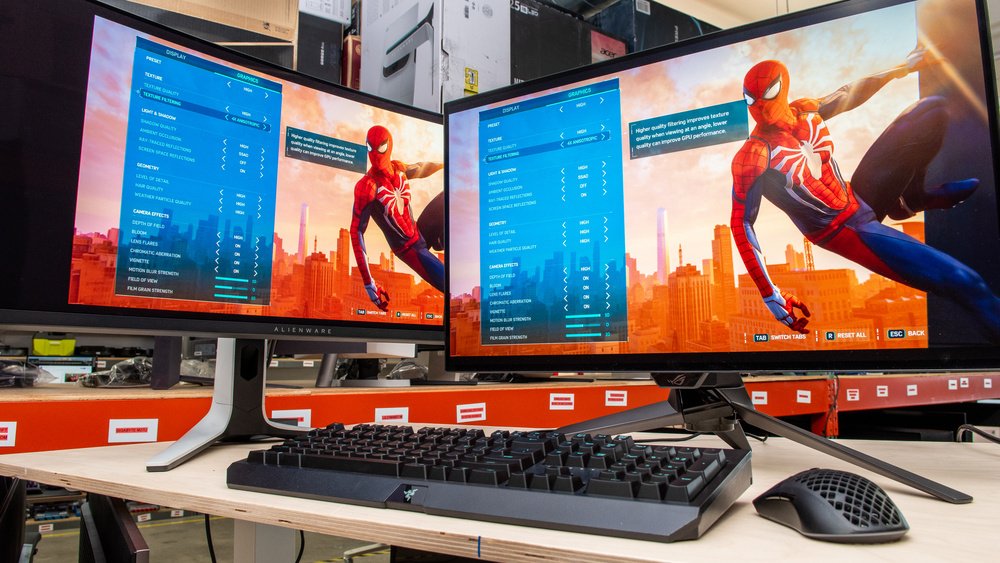
Next, consider adding a second monitor. Dual monitors improve both productivity and immersion.
For instance, you can game on one screen and stream or browse on the other. As a result, your workflow becomes smoother.
If space is limited, use a monitor arm. This saves desk space and improves ergonomics.
🎧 Step 3: Upgrade with RGB Accessories
Now it’s time to focus on aesthetics. RGB lighting creates atmosphere. Furthermore, it makes your setup look modern and dynamic.
Start with:
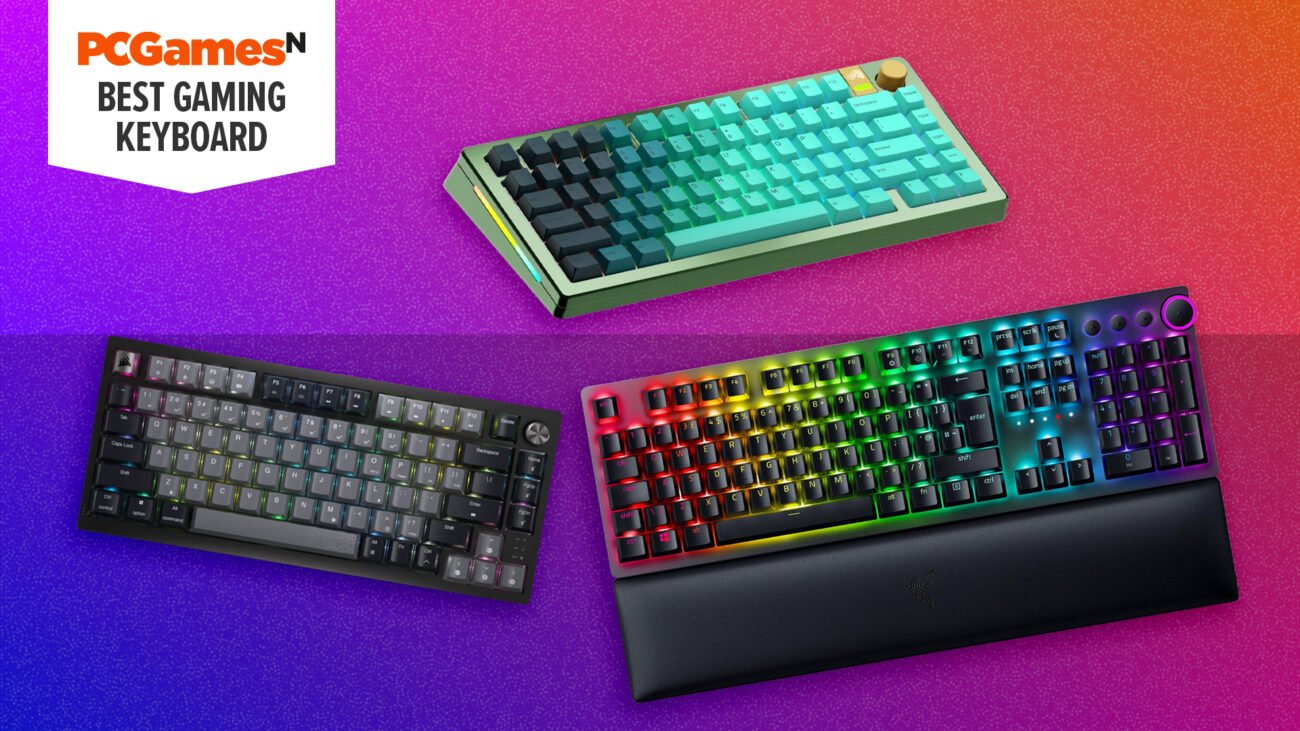
Mechanical RGB keyboard
Lightweight gaming mouse
RGB mousepad
LED light strips behind the desk
In addition, choose colors that match your room theme. A consistent color scheme looks more professional.
🪑 Step 4: Prioritize Ergonomics
Comfort is essential. Without proper posture, long gaming sessions can cause fatigue.
Therefore, invest in an ergonomic chair with lumbar support. Also, adjust your desk height correctly. Your monitor should be at eye level.
Finally, position your keyboard and mouse to reduce wrist strain.
💡 Cable Management Matters
Many gamers ignore cable management. However, clean cables improve airflow and appearance.
Use cable sleeves or under-desk trays. As a result, your setup will look organized and professional.
❓ FAQ
How much does a full gaming setup cost?
Generally, it costs between $1500 and $4000. However, budget setups can cost less.
Is RGB necessary?
No. However, it improves aesthetics and atmosphere.
Are dual monitors worth it?
Yes. They improve multitasking and streaming efficiency.