
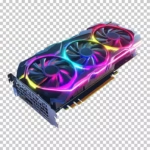
 Gaming GPUs & Graphics Cards
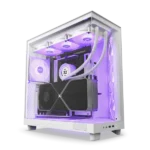 Gaming PC Builds
 Processors & CPUs
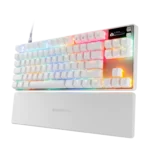 Gaming Keyboards
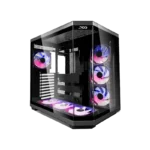 Gaming PC Cases
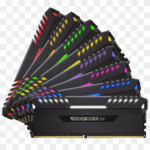 DDR5 RAM & Memory
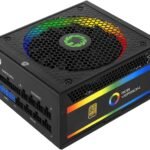 Power Supplies (PSUs)
How to Set Up Your New Gaming PC — Step-by-Step Guide for 2026

How to Set Up Your New Gaming PC
Your GadgesPlanet gaming PC arrived. This guide walks every step.
Step 1: Unbox & Inspect
Tower, power cable, accessories, warranty card. Email info@gadgesplanet.com if damaged.
Step 2: Place & Cable
- Hard surface, 4 inches behind clearance
- Monitor → GPU (NOT motherboard)
- Surge protector for power
Step 3: First Boot
Windows 11 OOBE — local account, skip trials.
Step 4: Windows Update
Settings → Windows Update → install all, restart, repeat.
Step 5: NVIDIA Drivers
Latest GeForce Game Ready Driver from nvidia.com. Run Custom Install → “Perform clean install.”
Step 6: AMD Chipset Drivers
Ryzen systems: AMD Chipset Driver from amd.com/support. Without it lose 5-10% performance.
Step 7: XMP/EXPO in BIOS
Press Delete/F2. Enable XMP Profile 1 (Intel) or EXPO Profile 1 (AMD).
Step 8: Essential Software
- Steam, Discord, NVIDIA App
- iCUE for Corsair RGB
- HWInfo64 for temps
Step 9: Configure Windows
- Enable Game Mode
- Enable Hardware GPU scheduling
- Set monitor refresh to max
Step 10: Benchmark Test
3DMark Time Spy (free Steam). Passing = stable.
Step 11: Install Games
Use fastest NVMe drive.
Step 12: Tweak Settings
Competitive: prioritize NVIDIA Reflex + high FPS.
Need Help?
Email info@gadgesplanet.com — lifetime support included.
